¶ FortiClient VPN Timeout Connection
If you experience a time-out connection when trying to connect via the FortiGate VPN Client, please follow these steps:
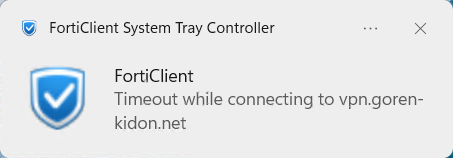
Solution:
Please change the following parameters:
1. Open the FortiGate VPN Client and click Edit the selected connection.

2. Expand + Advanced Settings
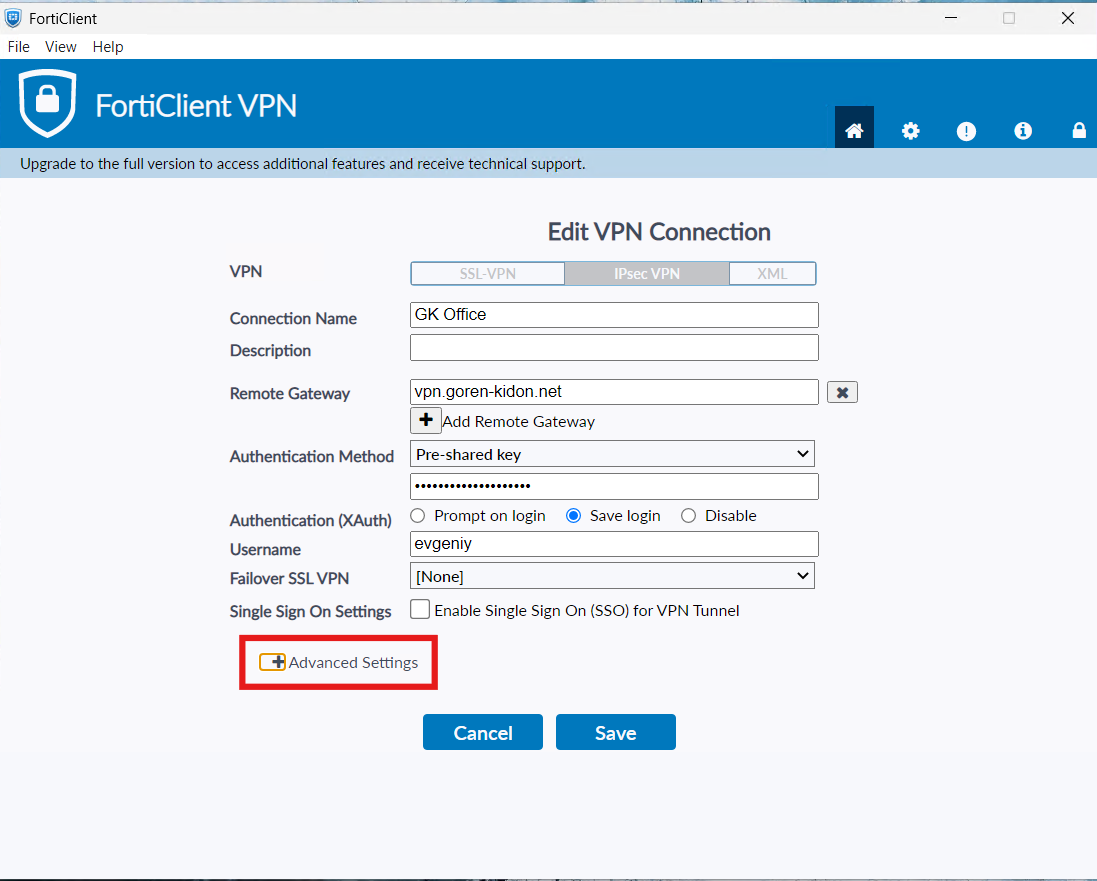
3. Under Phase 1 → DH Group, deselect all options and select only 20.

4. Under Phase 2 → DH Group, select 20.
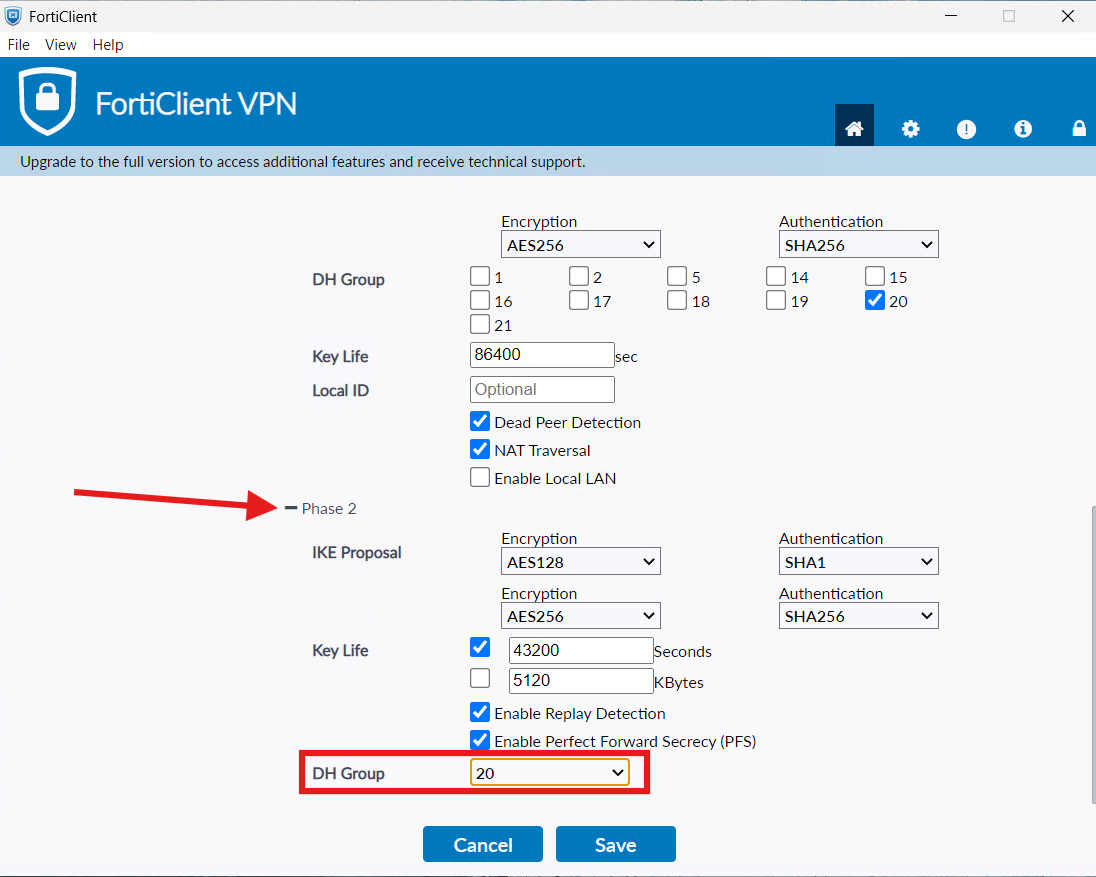
5. Click Save.

6. Try to connect again.