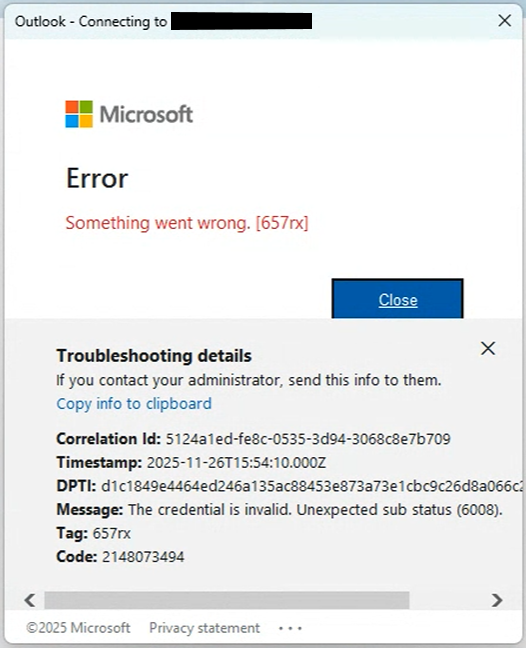
¶ Error Connecting to Microsoft 365 after changing password
If you change your password and see the following error, or if you encounter the same issue when trying to log in with your new password, please follow these steps:
Solution:
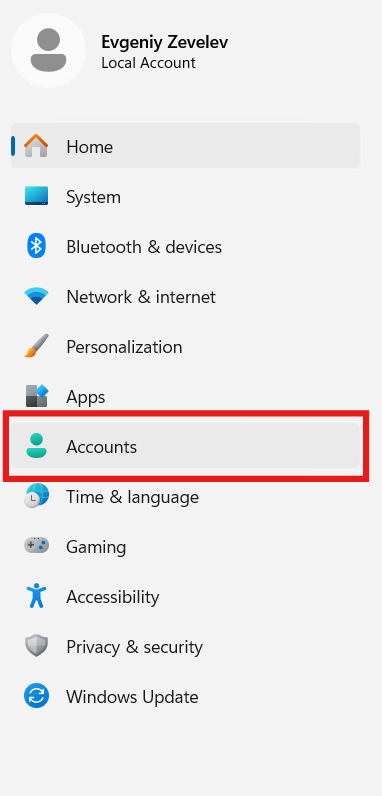
1. Click Start → Settings → Accounts
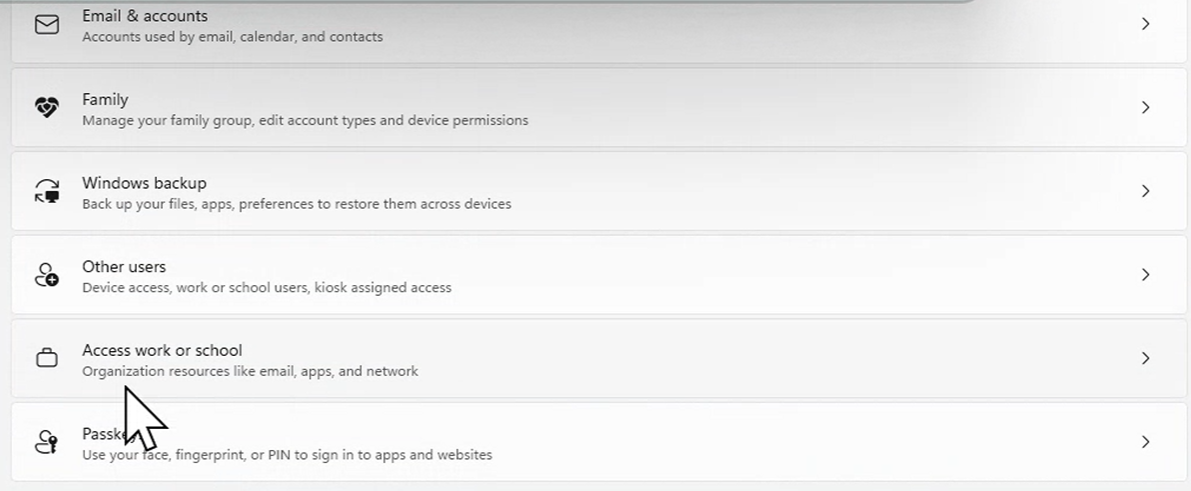
2. Scroll down and select Access work or school
3. Find your username, click the arrow, and select Disconnect → Yes

4. Log in to Microsoft 365 applications again (Outlook, OneDrive, Teams)