¶ Automatically Forward Invitation Emails in Gmail
¶ If you want the actual email invitation to be forwarded to a new Gmail address based on rules:
1. Go to Gmail Settings on your computer.
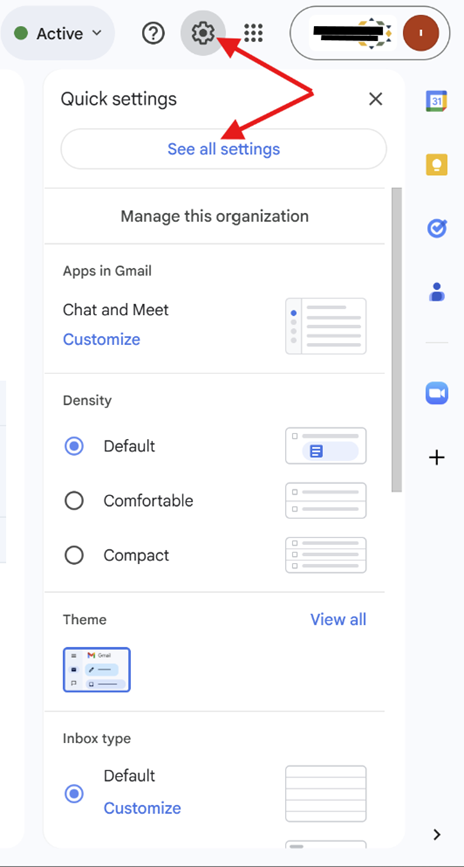
2. Click Forwarding and POP/IMAP and add the forwarding address.
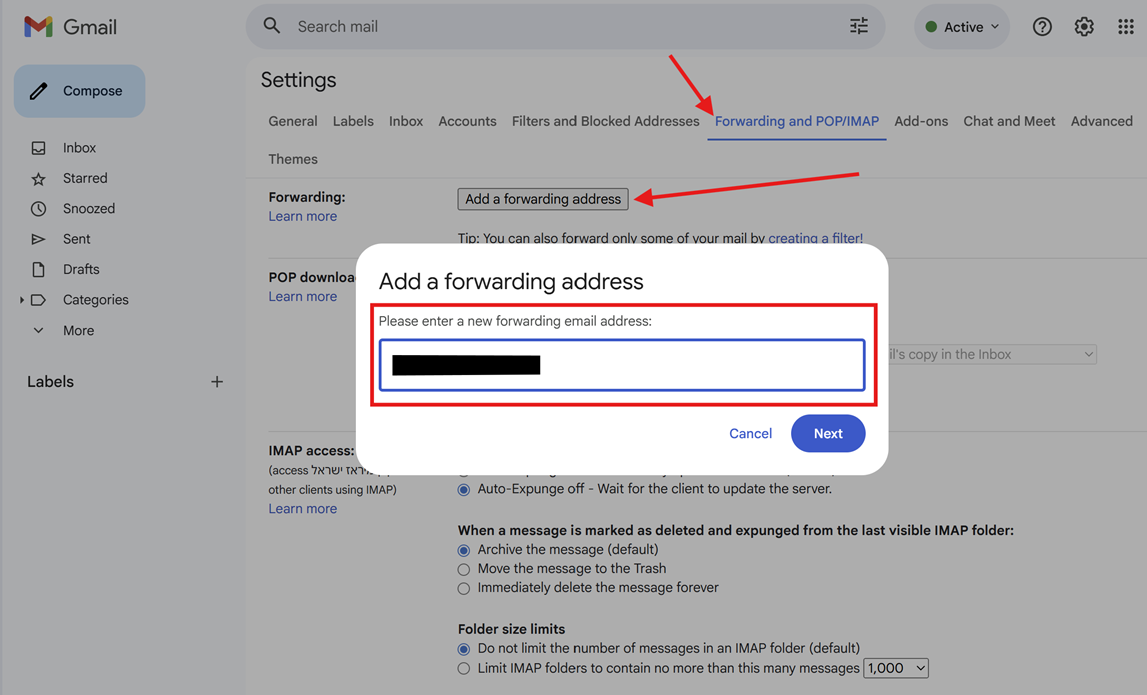
3. If you request to authenticate, please do it.
4. Click on Proceed.
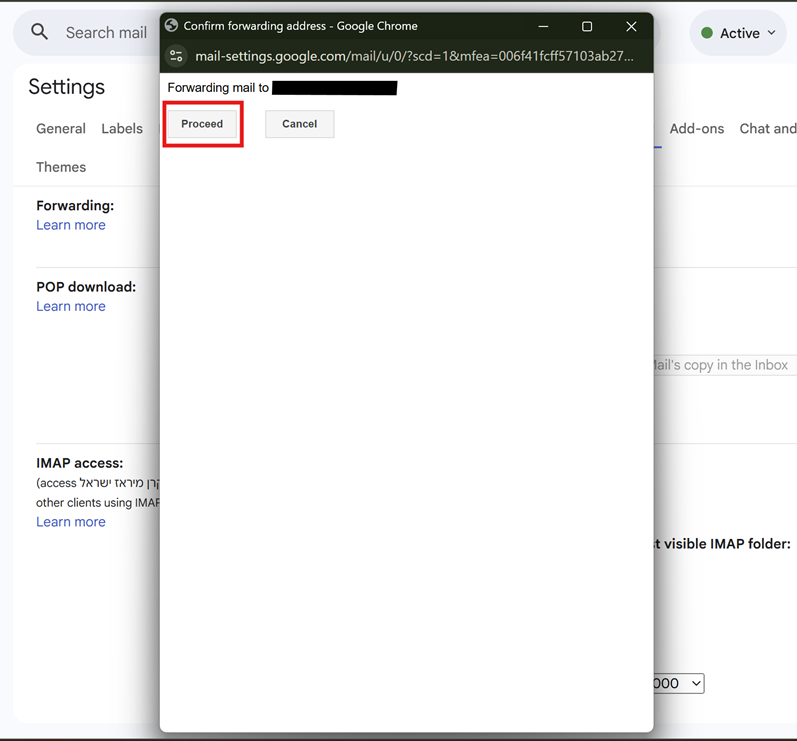
Click on confirm

Confirmation Success
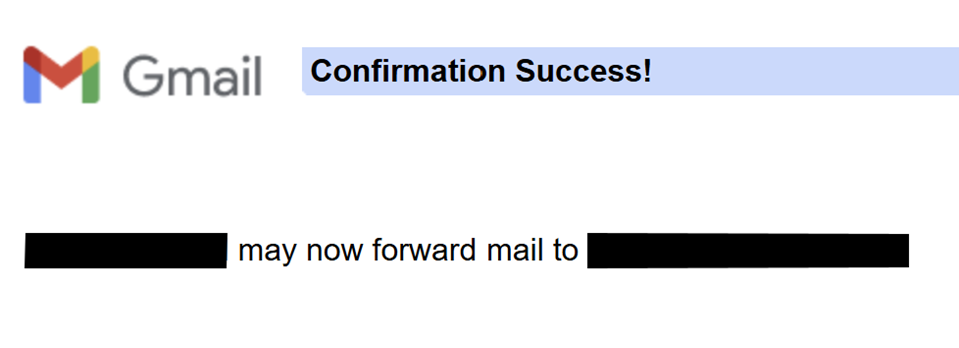
5. Confirmation link has been sent to the forwarded address
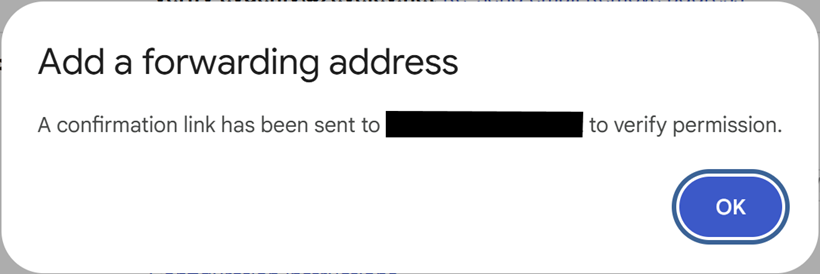
6. Please confirm by clicking on the link that you received in your forwarded mail.
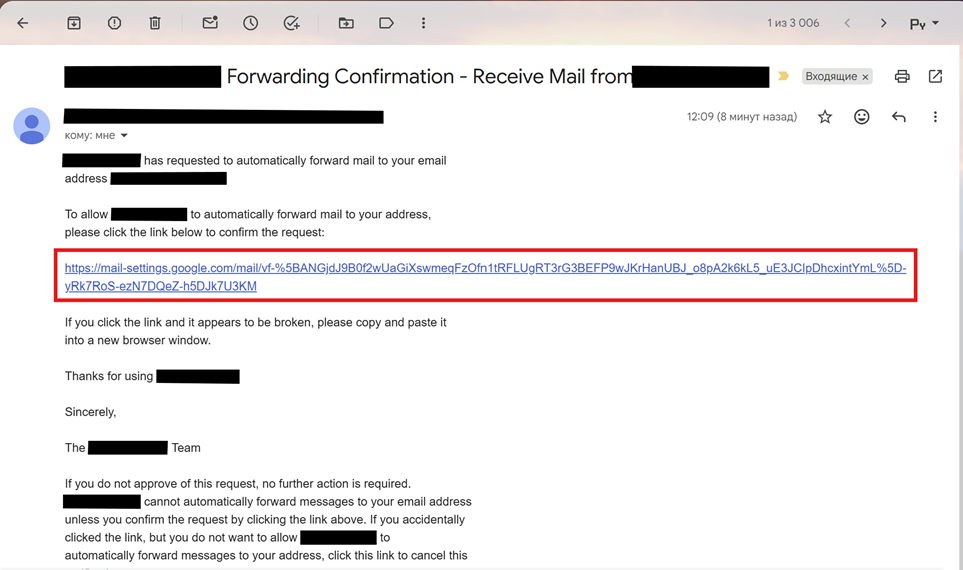
7. Status should be changed from
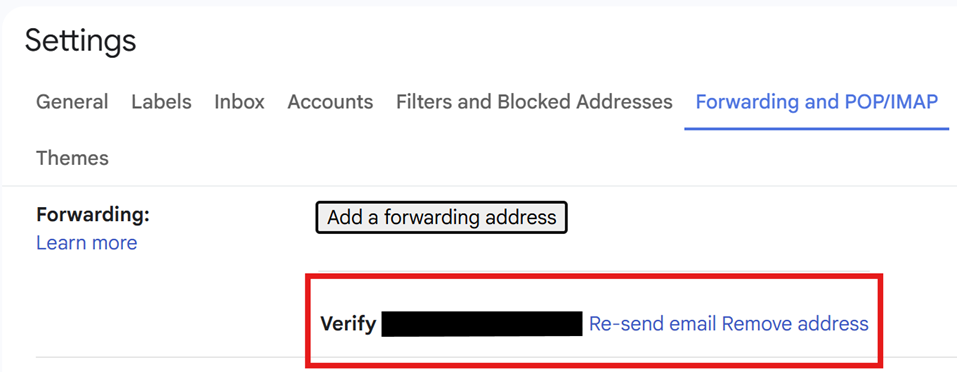
To
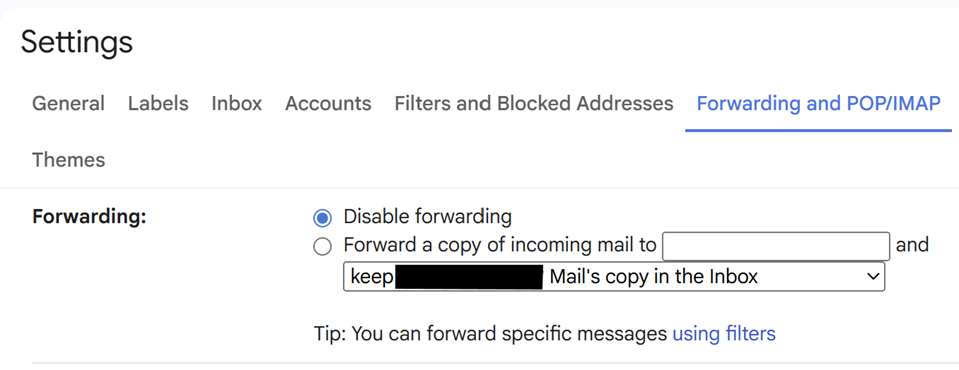
8. Go to Filters and Blocked Addresses > Create a new filter.
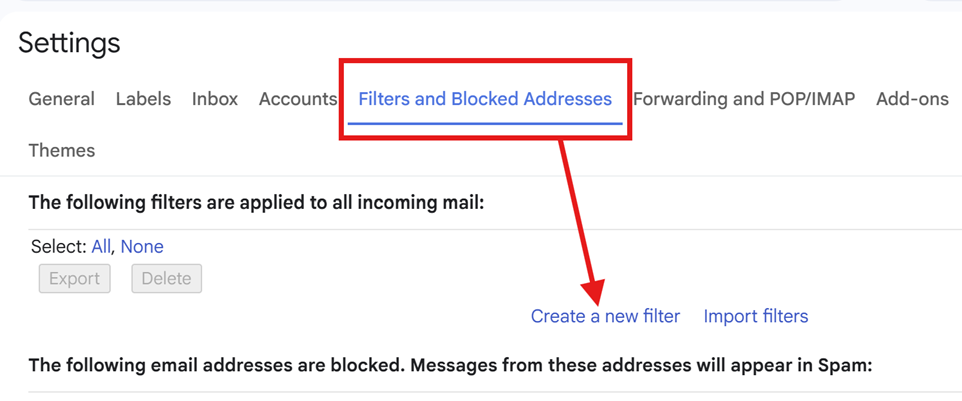
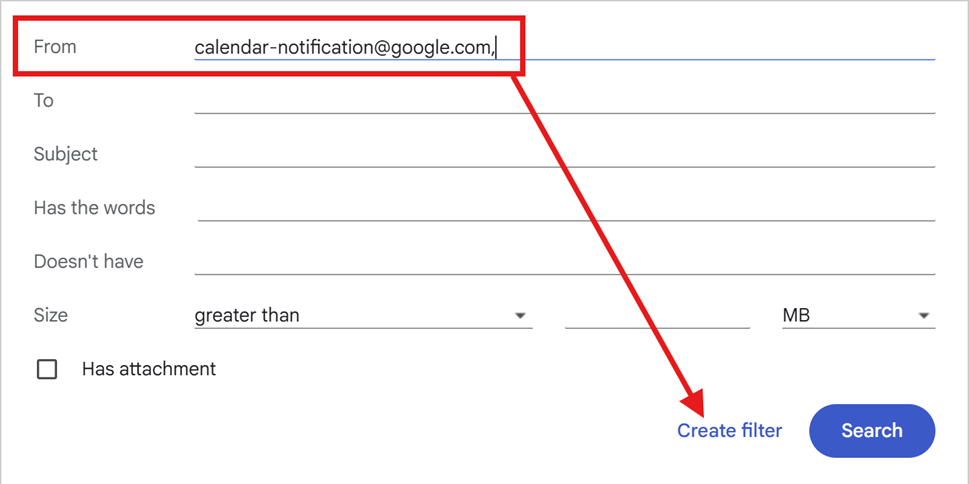
9. Set criteria (e.g., from calendar-notification@google.com or words like "invite") and then click Create filter
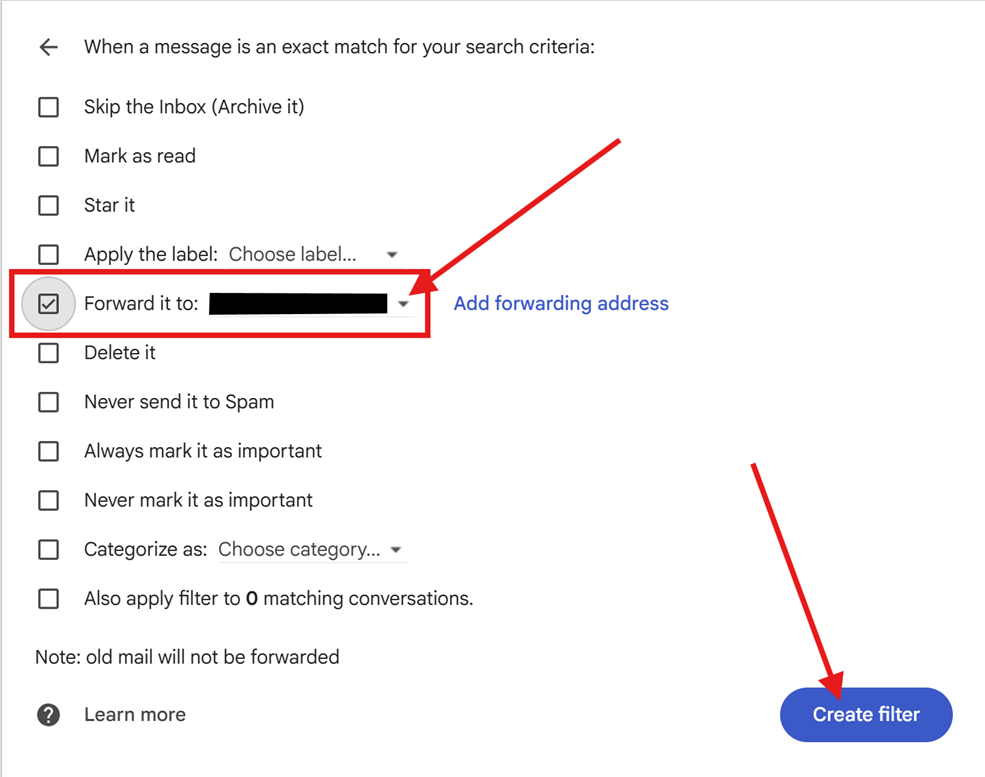
10. Select Forward it to the new forwarded address and again Create filter
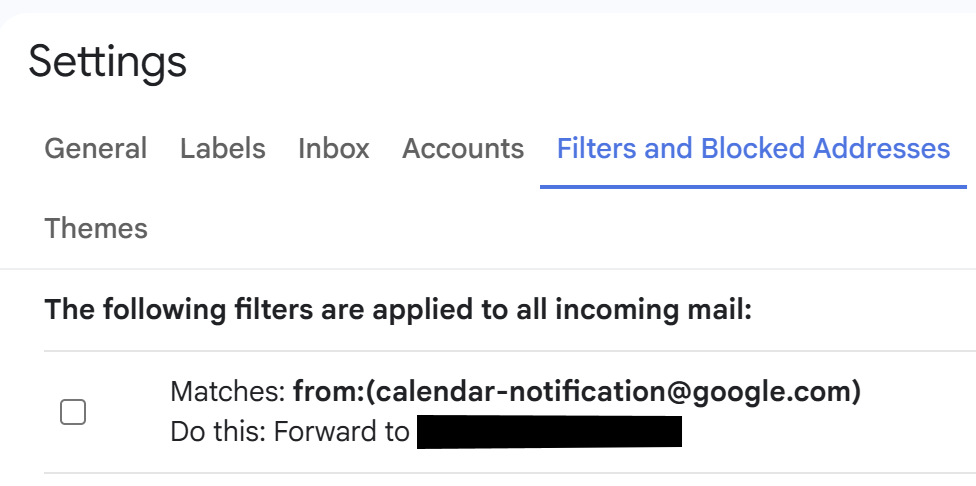
11. You should see the following screen
¶ To revert or cancel forwarding
- Delete the filter you created under Filters and Blocked Addresses.
- In addition, delete the forwarded address under Forwarding and POP/IMAP.